01
Hand off a deck, not a screenshot folder
Framedeck turns each selected frame into a real slide, so clients and stakeholders can open the file, review it, and make small edits without asking you to rebuild the deck.
Framedeck exports selected Figma frames into a clean .pptx with editable text, native shapes, smart fallbacks, and no design upload.
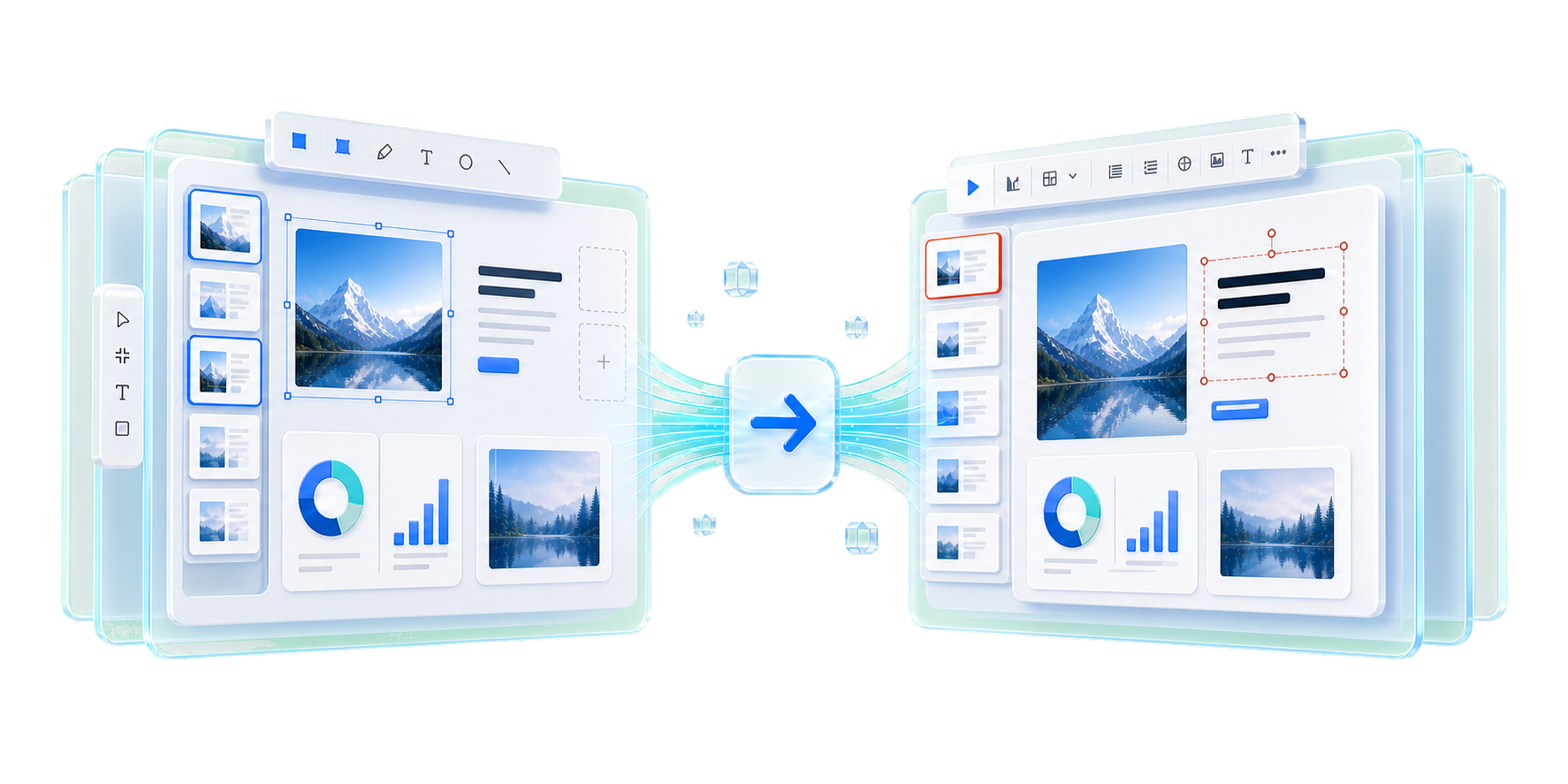
The design work may live in Figma, but final review often happens in PowerPoint. Framedeck helps you move across that gap without flattening every slide or rebuilding the whole presentation by hand.
Framedeck turns each selected frame into a real slide, so clients and stakeholders can open the file, review it, and make small edits without asking you to rebuild the deck.
Supported text, simple shapes, fills, strokes, and layout objects stay editable in PowerPoint. That means copy tweaks and small layout changes can happen after export.
Complex effects, dense compositions, and layers that do not map cleanly to PowerPoint are preserved with crisp fallbacks, so the slide still looks intentional.
Use it when the design is done in Figma, but the room expects a .pptx: sales decks, product updates, pitch reviews, client presentations, and internal readouts.
The workflow stays inside Figma until the .pptx is ready. No extra workspace, no upload queue, no handoff limbo.
Select a single frame, a whole presentation flow, or a batch of client-ready screens in your Figma file.
Use editable mode for decks that need changes, or image-only mode when pixel-perfect visual fidelity is the priority.
Framedeck creates a .pptx with one slide per frame, ready for PowerPoint, Keynote, or Google Slides.
Best for sales decks, product updates, pitch decks, and any file that someone will keep editing.
Best when the visual result matters more than editing every object after export.
Complex layers are flattened only when needed, so the finished deck still looks right.
Fixes and improvements, written for people using the plugin.
This update fixes missing frame previews and improves PowerPoint exports and export controls.
A quick pass through the practical details.
Yes. Framedeck is free for personal and commercial projects.
Yes. Supported text, shapes, and vectors become native PowerPoint objects. Complex layers use image fallbacks to preserve visual fidelity.
No. Framedeck has no servers for receiving or storing your frames. Export processing happens locally inside Figma.
The output is a standard .pptx file, so it can be opened by Microsoft PowerPoint, Apple Keynote, and Google Slides.
Use it for visual reviews or highly complex artwork where a pixel-stable slide matters more than editing individual objects.
This update fixes missing frame previews and improves PowerPoint exports and export controls.
Install Framedeck from the Figma Community and turn selected frames into a clean .pptx.